
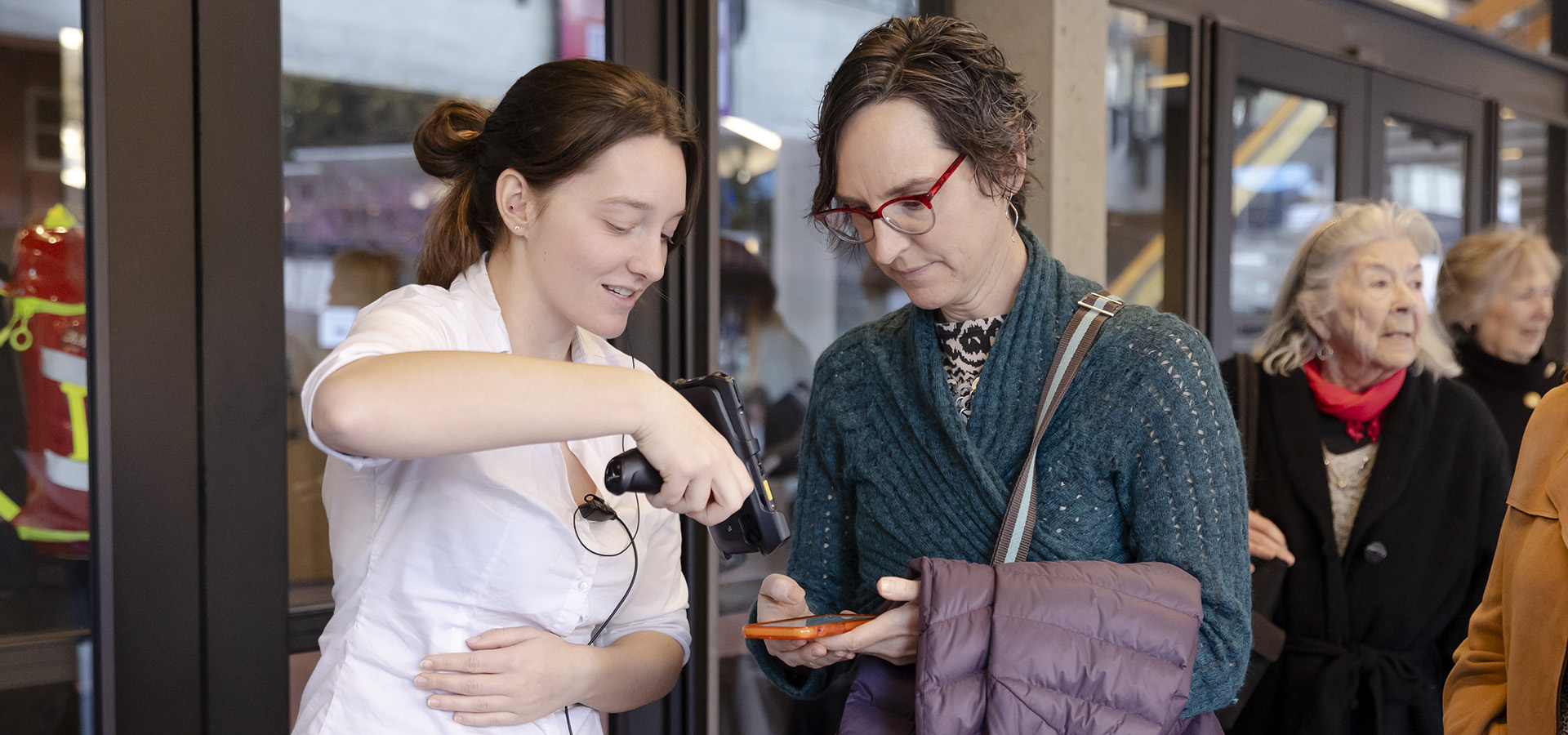
Starting with the 2026–27 season, we’re excited to share improvements related to mobile ticket delivery that will streamline communications, enable easier access and sharing of tickets, and enhance security.
Digital Delivery: Subscription Tickets
All tickets from orders containing a subscription (including parking passes and sub add-on tickets) will be emailed from e-tickets@calperformances.org within 24 hours of purchase. In addition, tickets will be re-sent to you closer to the performance date for your convenience, according to the “Digital Delivery: All Tickets” timeline below
Digital Delivery: All Tickets
All tickets are delivered on the following schedule.
Email Delivery — 2 days before performance date
All tickets will be directly linked in the informational email you receive from e-tickets@email.calperformances.org 2 days before each performance to make them easy to locate in your inbox.
Using your unique ticket link, you can access all the tickets you’ve purchased associated with the upcoming event (performance tickets, dining reservations, and parking passes), and easily share tickets with your guests.
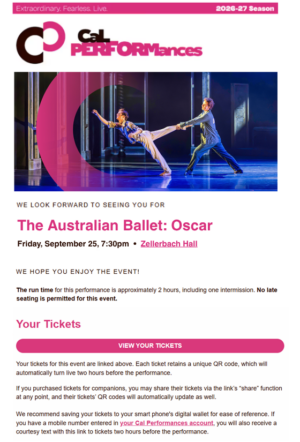
Text Message Reminder — 4 hours before curtain
To make finding your tickets easier than ever as showtime nears, all ticketholders with a mobile phone number listed in their Cal Performances account will also receive their unique ticket link via SMS text four hours before the performance start time.
If you would like to receive these reminders, please log in to your Cal Performances account to ensure the phone number on your account is your current mobile line.
Accessing, Viewing, and Saving Your Tickets
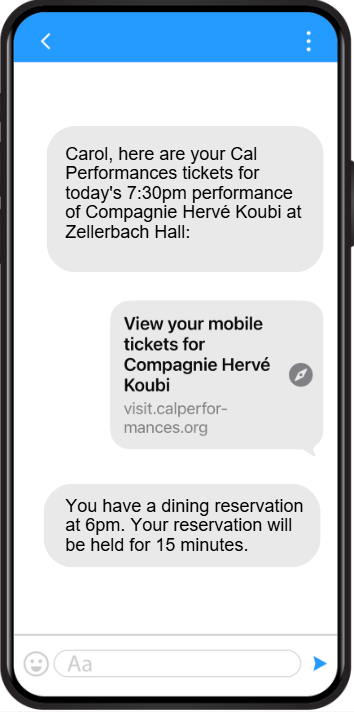
You can view your tickets via the link sent in the email and the SMS text. If you purchased parking or made a dining reservation, those will be shown on the “related tickets” tab.
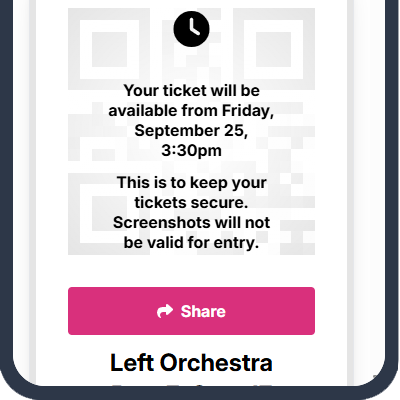
The QR codes for all tickets sent via link will be grayed out until 4 hours before the performance start time, when they will automatically update. If you have shared tickets with guests, their QR codes will automatically turn live as well.
Using your unique ticket link, you can add tickets to your Apple or Android digital wallet. Tickets can only be added to wallet once their QR code is live, beginning 4 hours before the performance start time.
Note that all QR codes are dynamic, so screenshots of tickets are not able to be scanned for entry.
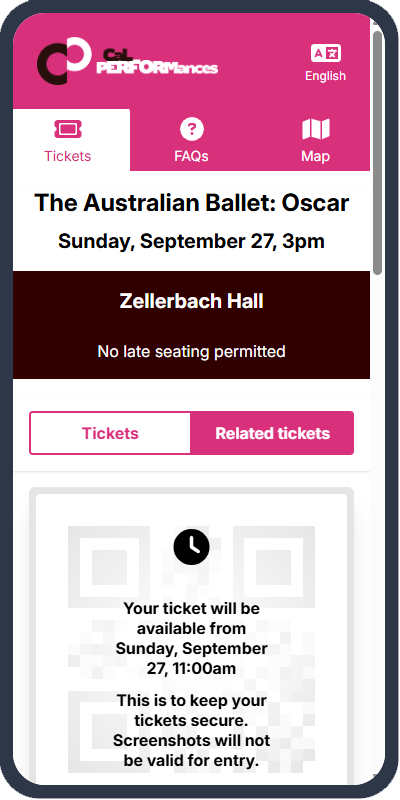
Event Ticket with
Blocked QR Code
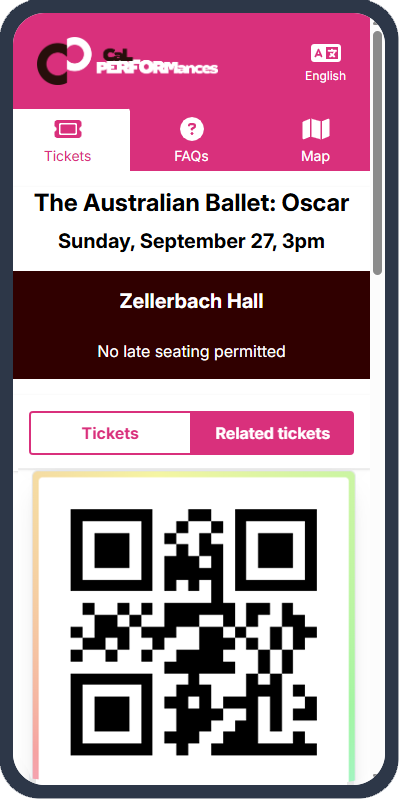
Event Ticket with
Live QR Code
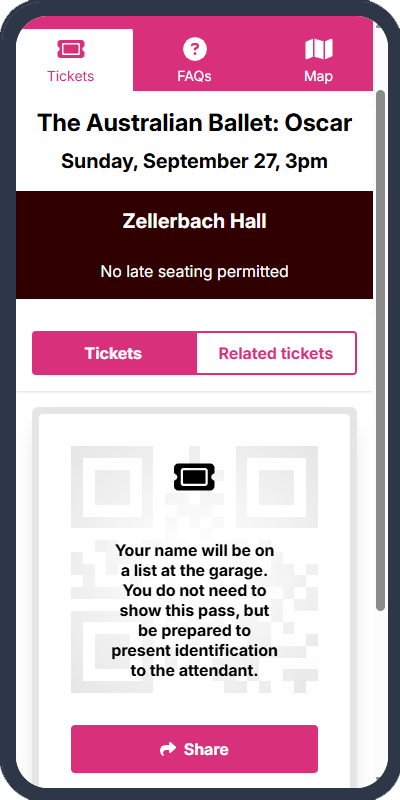
Related Ticket
Sharing Your Tickets
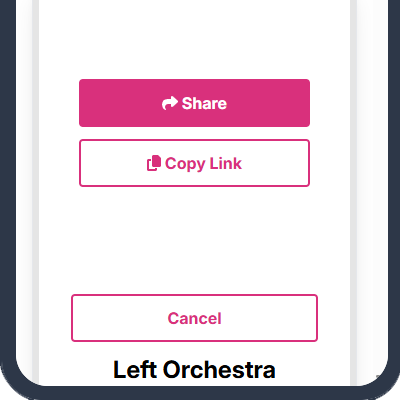
Once you open your unique link (sent via email two days before the event or text four hours before the event), you’ll see a “share” button below the QR code, which will allow you to send an individual ticket via text or email, or by copying a unique share link generated for that ticket. You should avoid copying and distributing the original direct link you received as the purchaser from Cal Performances via email or text message.
You will be able to share a ticket only if you have purchased more than one ticket to that event. To claim the shared ticket, your guest will be asked to enter their name and contact information. Once a shared ticket has been claimed, it cannot be recalled by the sender.
Mobile Tickets FAQs
If you can’t find the answers you are looking for in these Frequently Asked Questions, or need assistance, please contact the Ticket Office.